
How to Stay Safe on Public or Free Wi-Fi
The Invisible Eavesdropper
Public or free Wi-Fi is everywhere. Whether you are at a cafe, airport, hotel, or even on public transportation, there is usually an open connection just waiting for you to tap in. It feels like a small win, instant internet access with no data charges. But that convenience comes with silent risks that most people do not see.
When you connect to a public network, your data is often unencrypted. That means other users on the same network could potentially "listen in" on your activity. Hackers on public Wi-Fi can use a range of techniques to intercept information, steal credentials, inject malware, or trick you into connecting to fake networks. If you ever find yourself needing to use public Wi-Fi, and many of us do — here’s how to stay as safe as possible.
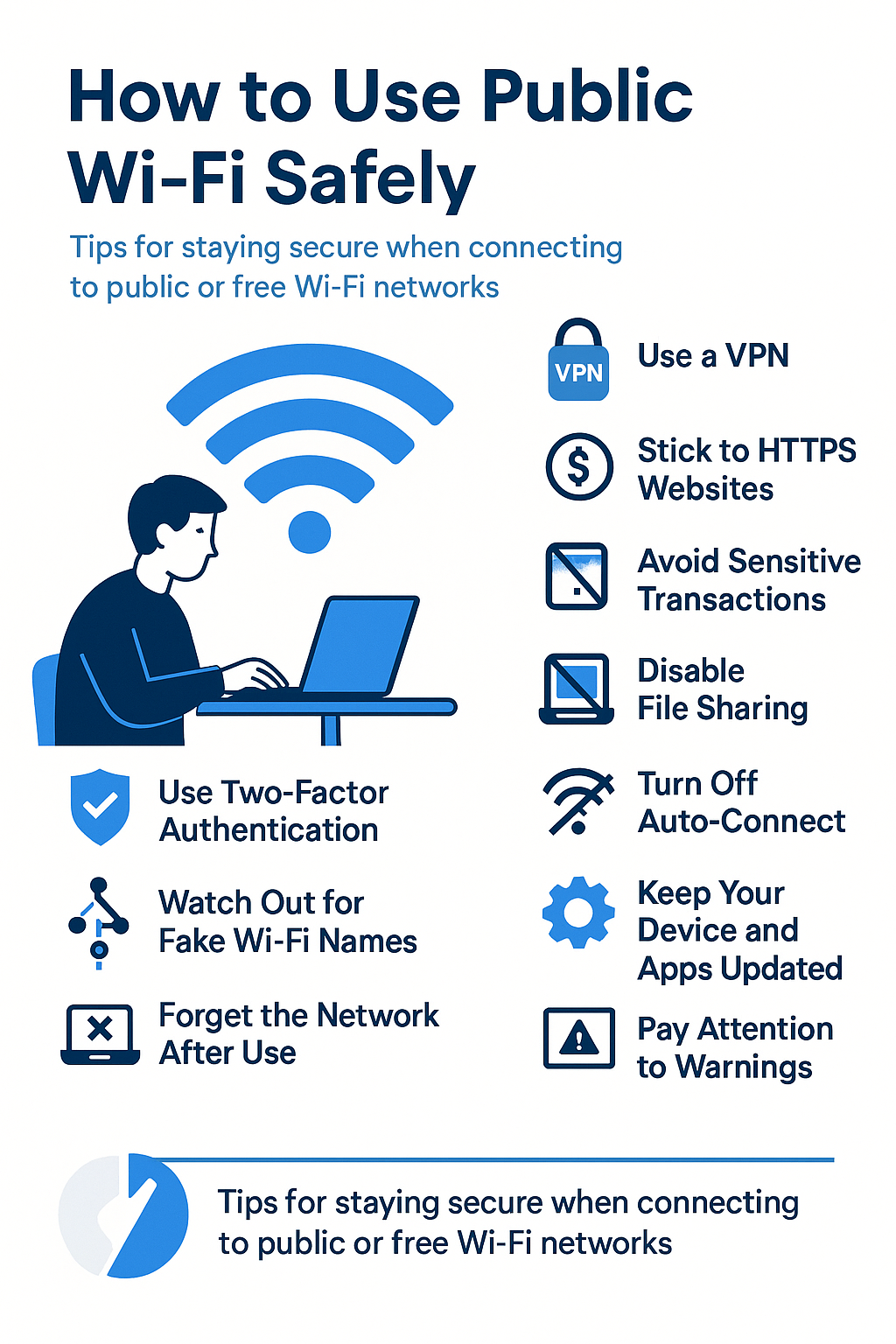
Always Use a VPN
A Virtual Private Network (VPN) creates a secure tunnel between your device and the internet. Even if someone on the same Wi-Fi network tries to intercept your traffic, they will only see unreadable encrypted data. A good VPN can make a huge difference in your safety, especially when using open or untrusted networks. Make sure to turn it on before connecting to anything sensitive, like email, cloud storage, or work-related apps.
Stick to HTTPS Websites Only
Before you enter any password or personal information on a website, check for “https” at the beginning of the URL. The “s” stands for secure, meaning the site uses encryption. Most browsers also show a padlock icon next to the address. If the site uses plain “http,” avoid entering anything sensitive. Tools like HTTPS Everywhere can help force secure versions of sites when available.
Avoid Banking, Shopping, and Work Logins
Public Wi-Fi should be used for basic browsing or checking the news, not for logging into your bank, making purchases, or accessing internal work systems. These tasks involve highly sensitive information that could be intercepted. Even if the site is secure, your session might still be at risk if someone is sniffing the network.
Disable File Sharing and Network Discovery
Many devices have sharing features turned on by default. On public Wi-Fi, those features can allow strangers to see shared folders, printers, or even control parts of your device. Before connecting, go into your network settings and turn off file sharing, Airdrop, printer sharing, or anything that allows others to see or access your device.
Turn Off Auto-Connect
Some phones and laptops automatically reconnect to previously used Wi-Fi networks. This is dangerous on public networks. Attackers can set up fake hotspots using the same name, tricking your device into connecting without your approval. Always disable auto-connect and connect manually to trusted networks only.
Use Two-Factor Authentication (2FA)
If someone does manage to steal your password, two-factor authentication can still prevent them from logging into your account. With 2FA, you’ll need a second code from your phone, app, or email before access is granted. This extra step makes it much harder for attackers to succeed.
Forget the Network When You Are Done
Once you have finished using the public Wi-Fi, go into your settings and “forget” the network. This ensures that your device will not reconnect automatically in the future, especially if a malicious version of the network pops up nearby.
Watch Out for Fake Wi-Fi Names
Attackers often create rogue access points with names that sound legit, like “FreeAirportWiFi” or “Hotel_Guest.” These fake networks are designed to trick people into connecting. Before you log on, ask the staff for the exact Wi-Fi name. Do not connect to any network just because it sounds familiar.
Keep Your Device and Apps Updated
System updates are not just about new features, they often include critical security patches. If your operating system or browser is outdated, known vulnerabilities could be exploited over public Wi-Fi. Set your device to install updates automatically when possible.
Pay Attention to Warnings
If your browser warns you that a site’s certificate is invalid or that the connection is not private, take it seriously. These alerts often indicate that something is wrong with the network or the website’s encryption. Never ignore these warnings on public Wi-Fi.
Public Wi-Fi makes life easier, but it also opens the door to unseen threats. If you must use it, go in with caution. Small steps like enabling a VPN, checking for HTTPS, avoiding sensitive logins, and turning off sharing can go a long way. Think of it like walking in a crowded place with your wallet in your front pocket and your bag zipped tight. You may not stop every risk, but you make yourself a much harder target.